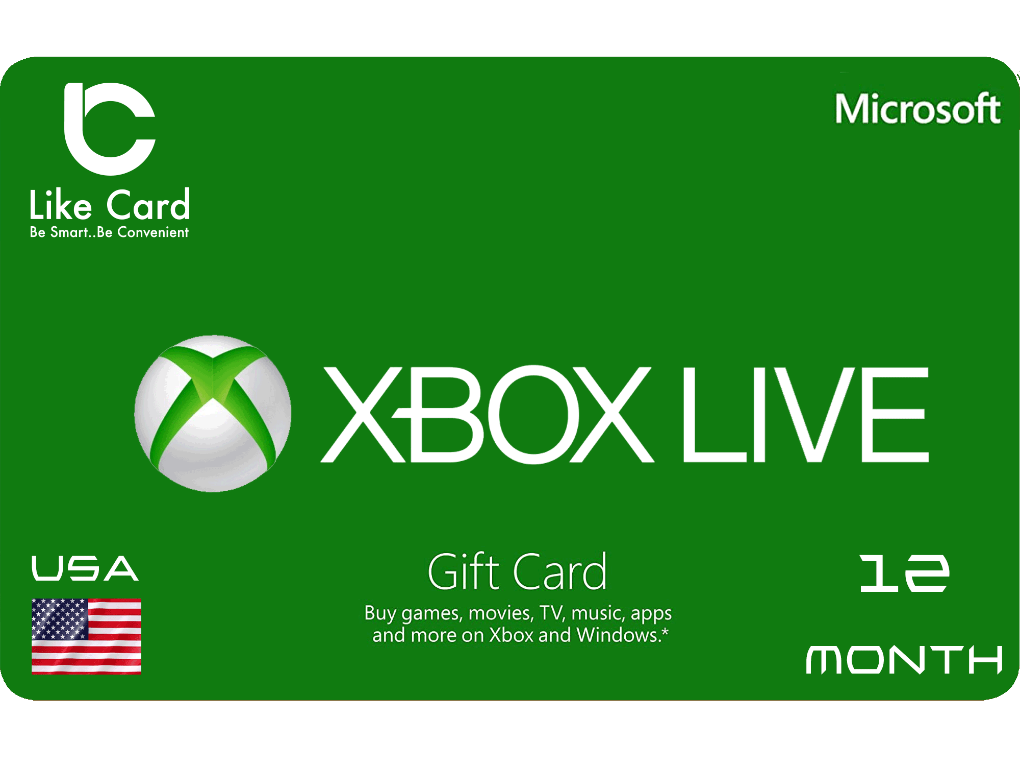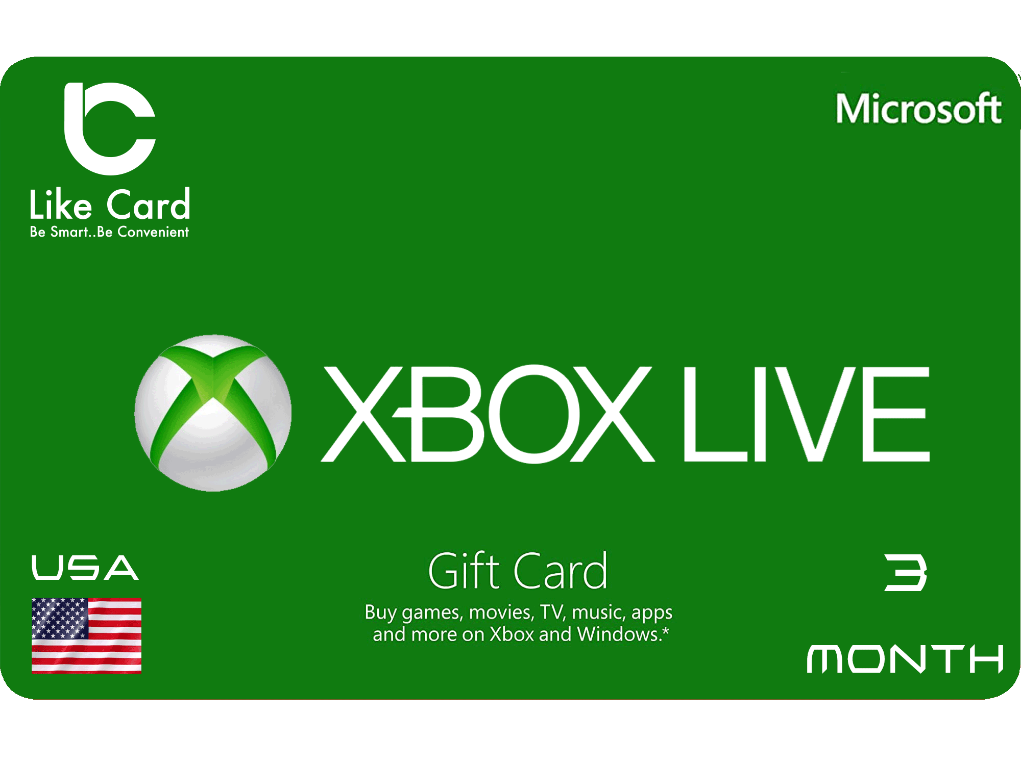
Xbox Gift Card Europe Store EUR 20
If you are a fan of Xbox One, and a fan of games, this offer is especially for you.There are three types of gamers, who use the computer, the owners of the PlayStation, and the third category is the Xbox lovers, because of its fast interface and distinctive features.Today we offer you XBOX - EUROPE cards to enjoy all the benefits, new and exclusive games, a promium account that supports all additions and updates, and the latest game releases.For full content and a premium subscription, with a secure payment method to protect your account, Xbox cards are the perfect solution, with different prices and packages that meet your multiple needs.So what are you waiting for to get the latest games, features and updates on your Xbox?Recharge, and enjoy an unlimited world of fun and games.
Steps to use
How to recharge xbox : Redeem a code on Xbox One, Xbox Series X and Xbox Series S:
1-Sign in to your Xbox console (make sure you’re signed in with the Microsoft account you want to redeem the code with). -From the Home screen, select and open the Store app. (If the Store app is not displayed, go to My games & apps, select Apps, and select the Store app from there.)
3-In the Store app, move the cursor left or press the View button to open the side menu then select redeem.
4-Enter the
25-character code, and then follow the instructions. Redeem a code Using an Android or IOS mobile device: Go to the link: https://redeem.microsoft.com.
4-Enter the
25-character code, and then follow the instructions. Redeem a code on Windows 10/11:
1-Sign in to your Windows device (make sure you’re signed in with the Microsoft account you want to redeem the code with). -Press the Start button, type store, then select Microsoft Store.
3-Select More … > Redeem a code.
4-Enter the
25-character code, and then follow the instructions.
1-Sign in to your Xbox console (make sure you’re signed in with the Microsoft account you want to redeem the code with). -From the Home screen, select and open the Store app. (If the Store app is not displayed, go to My games & apps, select Apps, and select the Store app from there.)
3-In the Store app, move the cursor left or press the View button to open the side menu then select redeem.
4-Enter the
25-character code, and then follow the instructions. Redeem a code Using an Android or IOS mobile device: Go to the link: https://redeem.microsoft.com.
4-Enter the
25-character code, and then follow the instructions. Redeem a code on Windows 10/11:
1-Sign in to your Windows device (make sure you’re signed in with the Microsoft account you want to redeem the code with). -Press the Start button, type store, then select Microsoft Store.
3-Select More … > Redeem a code.
4-Enter the
25-character code, and then follow the instructions.
Terms and Conditions
- This product is for european Store